
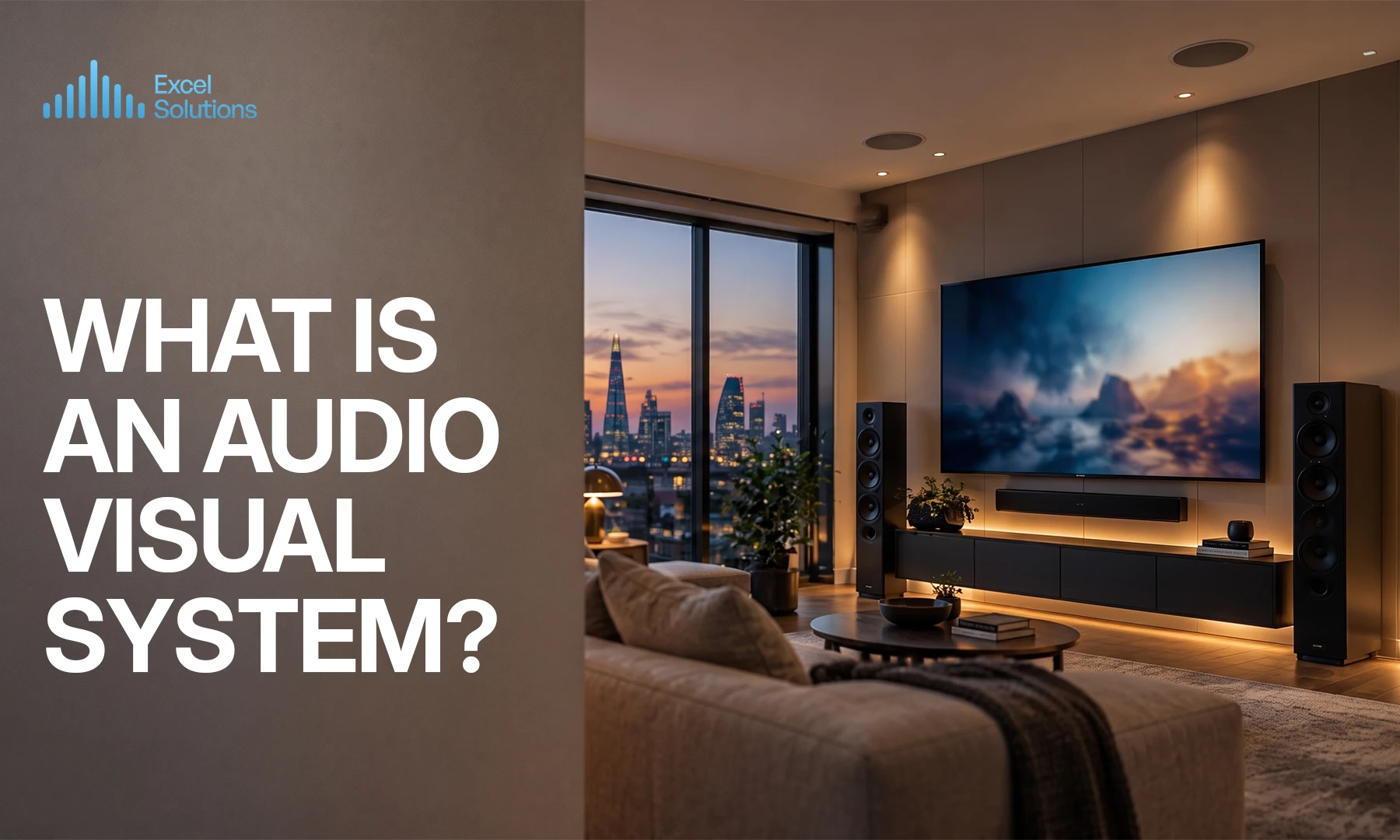
An audio visual (AV) system combines sound and display technology to capture, process, and present audio and video. It ranges from a home theatre with a receiver and surround speakers to a conference room with mics, a display, and a camera. The right type depends on your space, its size, and how you use it.
An audio visual system connects the gear that plays sound and pictures together, so people can watch, listen, and share content clearly. A home theatre pairs a receiver with speakers and a screen. A conference room pairs a display with room mics, a camera, and a control panel. Both count as AV systems, they just serve different spaces.
This guide will help you match your own space to the right type. It covers what’s inside an AV system, what drives the cost, the problems people run into most often, and how to pick an installer. By the end, you’ll know which category fits your home or business and what to check before you spend anything.
What Is an Audio Visual System?
An audio visual system is the combined sound and display technology used to capture, process, and present audio and video content. In plain terms, it’s the equipment that makes sound and pictures play together properly.
A soundbar under your TV is a simple AV system. A lecture hall with a projector, ceiling speakers, and wireless mics is a large one. Both capture or receive content, process the signal, and send it out to speakers and screens. The scale changes, but the job stays the same.
Find the Right Audio Visual System for Your Space
The following list of helps you find your right type of audio visual system according to your own scenario. Find the row that matches your space, then read the section below it for detail.
| Space / Use Case | Typical Setup | Scale |
| Home Theatre | Receiver, 5.1 or 7.1 surround speakers, subwoofer, large TV or projector | Single room |
| Whole-Home Audio | Multi-zone amplifier, in-ceiling or in-wall speakers, app or keypad control | Multiple rooms |
| Conference Room | Display, room mics, camera, speakers, wireless screen sharing, control panel | Single room |
| Auditorium | Sound reinforcement (line-array speakers, amplifiers), projection or LED wall, mixing desk | Large venue |
| Classroom / Lecture Hall | Interactive whiteboard, projector or display, teacher mic, ceiling speakers | Single room |
| Healthcare Facility | Patient displays, telehealth-ready video, digital signage, paging or PA | Room or building-wide |
Residential Setups: Home Theatre and Whole-Home Audio
For most homes, the choice comes down to three levels.
- A soundbar with two surround speakers gives you better TV sound without taking up much space. It suits smaller rooms and simple setups.
- A 5.1 or 7.1 surround system uses a receiver plus five or seven speakers and a subwoofer. The receiver is the heart of the system. It decodes the audio, powers the speakers, and connects your sources. Your speakers wire to the receiver, not the TV.
- A Dolby Atmos system adds height channels, either ceiling speakers or up-firing units, for sound that moves overhead. A layout like 7.1.4 means seven ear-height channels, one subwoofer, and four height channels.
For residential AV installation across your home, proper design assures that each component works seamlessly together. Room size and shape determine the choice. A big room needs more channels and more power to fill it. Whole-home audio is a different job again. It sends sound to several rooms at once through a multi-zone amplifier, so you can play one thing in the kitchen and another in the bedroom.
Commercial Setups: Conference Rooms, Auditoriums, Classrooms, and Healthcare
Commercial AV changes with the purpose of the room.
- Conference room AV is built for meetings. It handles video conferencing, screen sharing, and room mics that pick up voices around the table while cutting background noise. The goal is a call that starts fast and sounds clear to people at both ends.
- Auditorium AV works at a bigger scale. It focuses on sound reinforcement and spreads clear, even sound across a large space, paired with projection or an LED wall so everyone can see.
- Classroom and healthcare AV serve different purposes. Classrooms use interactive whiteboards, projectors, and teacher mics so lessons reach every seat. Healthcare settings use patient displays, telehealth-ready video for remote consultations, and digital signage for wayfinding and announcements.
What’s Inside an AV System?
Once you know your category, the parts automatically start to make sense. Nearly every AV system equipment, home or commercial, is built from the same groups of gear.
- Audio devices: Microphones capture sound, while speakers and amplifiers project it. Sound mixers and DSP (digital signal processing, the part that cleans up and balances audio) modify the result.
- Visual devices: Projectors, LED and LCD displays, monitors, and video walls show the picture.
- Control systems: Touch panels and centralised interfaces let you run everything from one place, turning devices on, switching sources, and setting volume.
- Processing units: Codecs encode and decode audio and video for calls. Computers and media players supply and route the content. In many setups, this tool lives in an equipment rack.
- Connectivity: Cables, IP networks, and wireless standards like AirPlay, Chromecast, and Miracast connect it all together and let devices share the screen without hunting for a cable.
In a home theatre, the receiver combines several of these jobs in one box. In a conference room or auditorium, they’re often separate units working together.
What Affects the Cost of an Audio Visual System?
No two AV projects cost the same. Instead of a headline figure, check your project against the drivers below, as they move the price more than anything else.
- Room size and number of zones: One room costs less than a whole-home or building-wide system. More zones means more speakers, more wiring, and more control.
- New build versus retrofit: Running cable through open walls during construction is straightforward. Retrofitting into finished walls takes more labour and care.
- Number and quality of components: A soundbar and a full 7.1.4 Atmos system are on opposite ends. More displays, mics, and speakers add up.
- Centralised control: Adding touch panels and automation so everything runs from one interface increases both hardware and setup time.
Work through these four and you’ll have a realistic sense of where your project sits before you ask for a quote.
Common Audio Visual System Problems (and What Causes Them)
Most AV problems correspond to a handful of causes. Here’s how to spot yours.
| Symptom | Likely Cause |
| No sound when speakers are connected straight to the TV | Speakers need a receiver or amplifier, a TV can’t power them directly |
| Muddy or uneven sound in the room | Poor room acoustics or speaker placement, or no calibration after installation |
| Controls that don’t respond or feel clunky | Outdated or incompatible control system |
| Dropouts and lag on video calls or AV-over-IP | Network problems, low bandwidth, or wrong IP settings |
| System works one day, fails the next day | Configuration errors that weren’t caught during setup |
That last one is common. Industry reports show over 35% of AV system issues come from configuration errors found after installation, according to Zapperr. Proper setup and testing before handover prevents most of them.
How to Choose the Right AV Installer?
A single soundbar or one display is a fine DIY job. Multi-room audio, whole-home systems, and any commercial install are different. They involve wiring, acoustics, and control complexity that require professional design. Get the design wrong and you pay twice.
“Biggest” or “best” company does not tell you much about whether it fits your project. Check these instead:
- Experience in your space type: A firm that does both residential and commercial work can handle a home and an office to the same standard.
- In-house design, not just equipment resale: You want a company that designs the system, not one that only sells boxes.
- Testing and calibration: Ask how they test and tune the system before handover.
- Post-install support: Find out what happens when something fails six months later.
- References you can check: Ask for real installs like yours, then follow up on them.
- Clear documentation: Good installers leave you records of what’s installed and how it’s configured.
Run any company against this list before you sign anything.
The Right System Is the One That Fits Your Space
The best AV system isn’t the one with the most gear, it’s the one that matches your space and how you use it. A soundbar can be the right answer, so can a 40-speaker auditorium rig. What matters is the fit.
Proper installation is what makes every component perform together. The design, wiring, and calibration are what turn them into a system you can always rely on.
If you’re assessing a system for your home or business, talk to our installer about your specific space. Bring the row you found in the table above. It’s the fastest way to a setup that works from day one.
Frequently Asked Questions
Is an audio visual alarm system the same as an AV system?
No, an audio visual alarm system uses sound and flashing strobe alerts for safety and notification. It’s a different category from the multimedia AV systems in this guide, which handle sound and video for communication and entertainment.
Is an audio visual monitoring system the same thing?
No, a monitoring or surveillance system is built for security. It’s a separate category from the multimedia presentation and entertainment AV systems.
Do I need a receiver if I just have a soundbar?
No, you don’t, as most basic soundbar setups connect straight to your TV and don’t need a separate receiver. You need a receiver for a full surround system, where it powers the speakers and decodes the audio.
Can one company handle both my home and my office AV needs?
Yes, Excel Solutions London covers both residential and commercial work, so the same firm can design your home theatre and your conference room.